The building quality platform, built on your model. For new build, renovation and maintenance.
Pin every snag on your 3D model, or on a PDF floor plan if you don't have a model yet. Add photos, assign the fix, and follow it through to done. New build, renovation, maintenance or an inspection round, it works the same. When the Wkb applies, the deadlines track themselves from bouwmelding to gereedmelding.
Start for free →- Built with founding partners in the Netherlands
- EU-hosted, GDPR-ready, DPA included
- Snagging and inspections work on any project, automated code checks are Dutch Bbl today
Whatever you are building, or keeping standing
Six ways this gets used. Pick the one that looks like your week.
Same tool, different jobs
New build, renovation, maintenance or a service round, whatever you came for runs on the same model.
From project start to signed off in six steps
Create your project
Enter the address, pick the building type and phase, and set your planned dates. On a Wkb project the deadlines are computed for you.
Scroll on. The model follows.
Upload your model or drawing
Drop in your IFC model or a PDF drawing. It opens in the 3D viewer in your browser, ready to walk through and snag on.
Snag on the model
Walk the site with the plan on your phone or tablet. Drop a snag on the floor plan and it lands on the model. Same spot, same storey. Assign it, back it with a photo, and follow it from open to verified.
Add your documents
Certificates, KB documents, supporting drawings: everything the dossier needs in one place. The checklist shows what's still missing.
Generate your report
When the work checks out, generate the report. It pulls your findings, evidence, and certificates into one file.
File on time
Email reminders land before every deadline. Download the complete dossier package when you need it, and on a Wkb project file your gereedmelding at the Omgevingsloket.
Move a finding. The dossier keeps up.
This is what your team sees on a running project. The board tracks the work, the dashboard tracks the dossier, and they never disagree.
Drag a finding to Resolved. The dossier follows.
Kadewoningen Havenkwartier
Finishing phaseDemo project in Zwolle
Air sealing missing at frame W-114
Balustrade anchor not secured
Ventilation rate below requirement
Fire collar missing at duct penetration
Rainwater outlet not connected
Concrete cover below minimum
Built for regulated work, and honest about it
Your dossier is legally load-bearing. So here's exactly who builds the platform, where your data lives, and where our responsibility ends.
EU-hosted, DPA included
Your data runs on EU infrastructure and never leaves it, in line with the GDPR (AVG). We sign a verwerkersovereenkomst (DPA) with customers on a paid plan.
Works alongside your kwaliteitsborger
BimDossier is not an approved Wkb instrument and doesn't replace one. It runs your dossier and works alongside any kwaliteitsborger and instrument you already use.
Founder-led, and reachable
BimDossier is built in the Netherlands and run by its founder. You reach the person who builds it directly. No ticket queue.
Building-quality insights & product updates
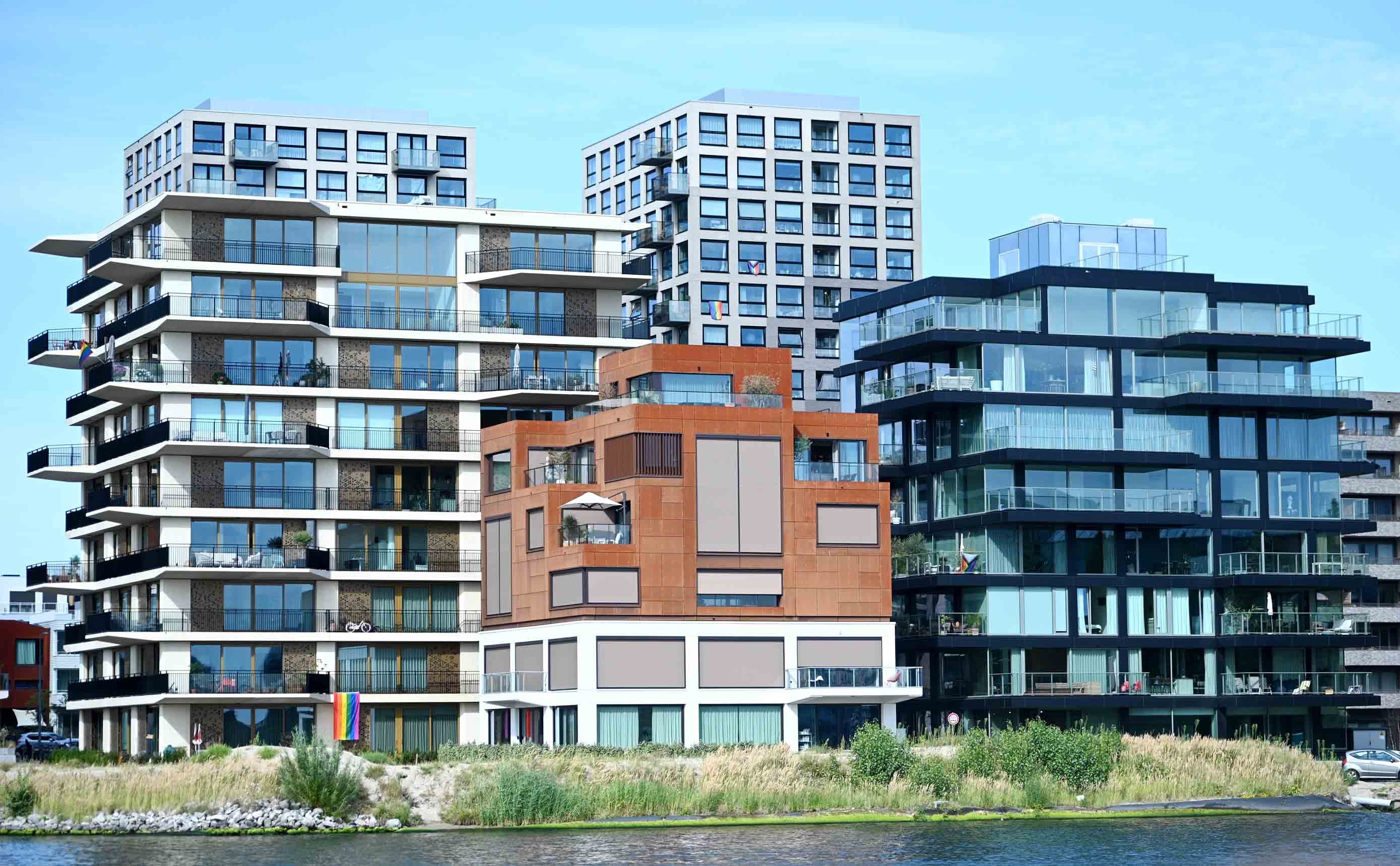
What IFC data does a kwaliteitsborger actually need?
A rich IFC model can still be half useless to the person who has to sign it off. Here is which properties, classifications and identifiers a kwaliteitsborger needs, and how an IDS writes those requirements down before anyone models a wall.
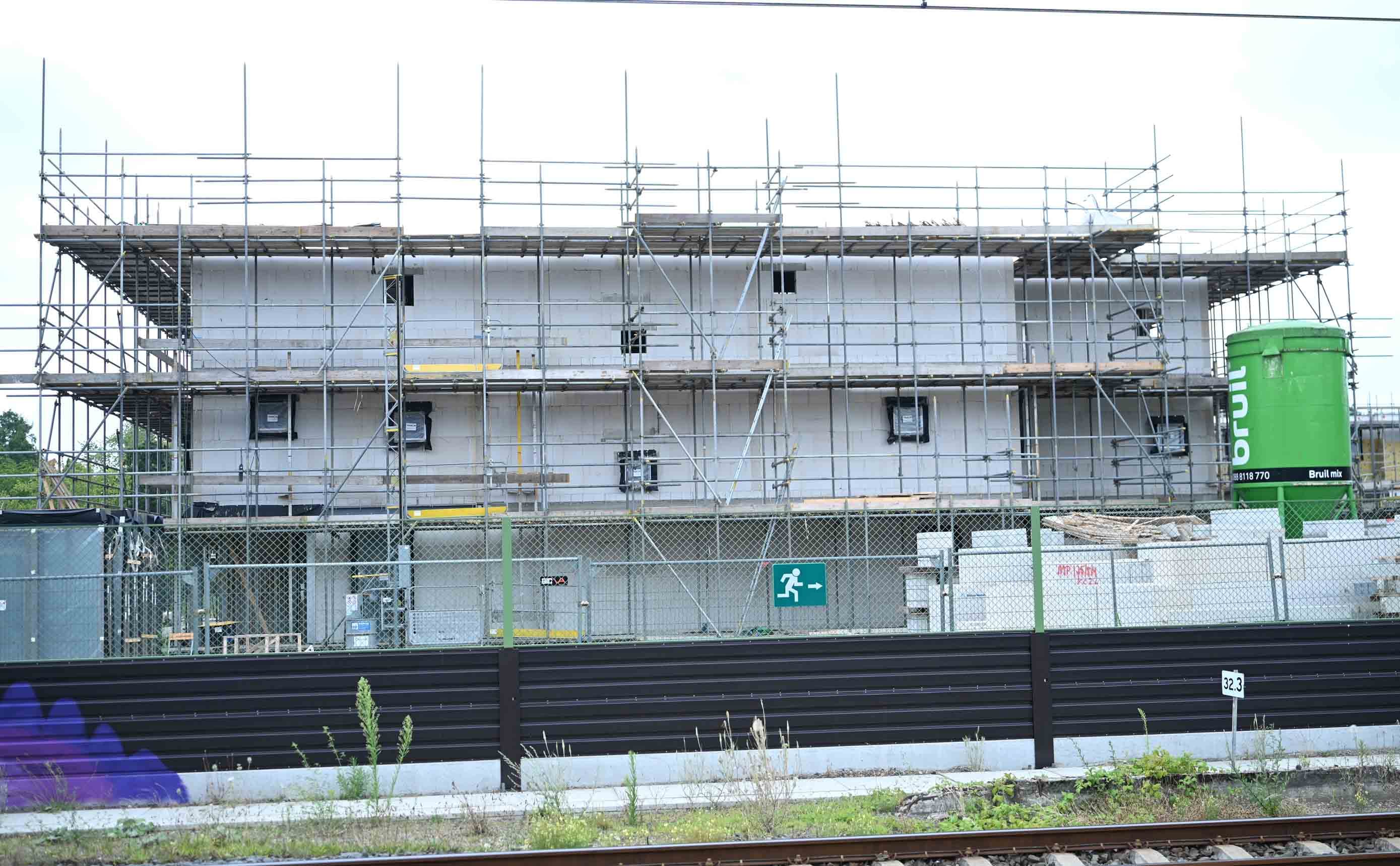
Going digital on quality assurance: from paper checklists to a live dossier
Most quality assurance still lives in Excel checklists and photo folders, then gets assembled by hand at gereedmelding. Here is what changes when the file builds itself as you go.
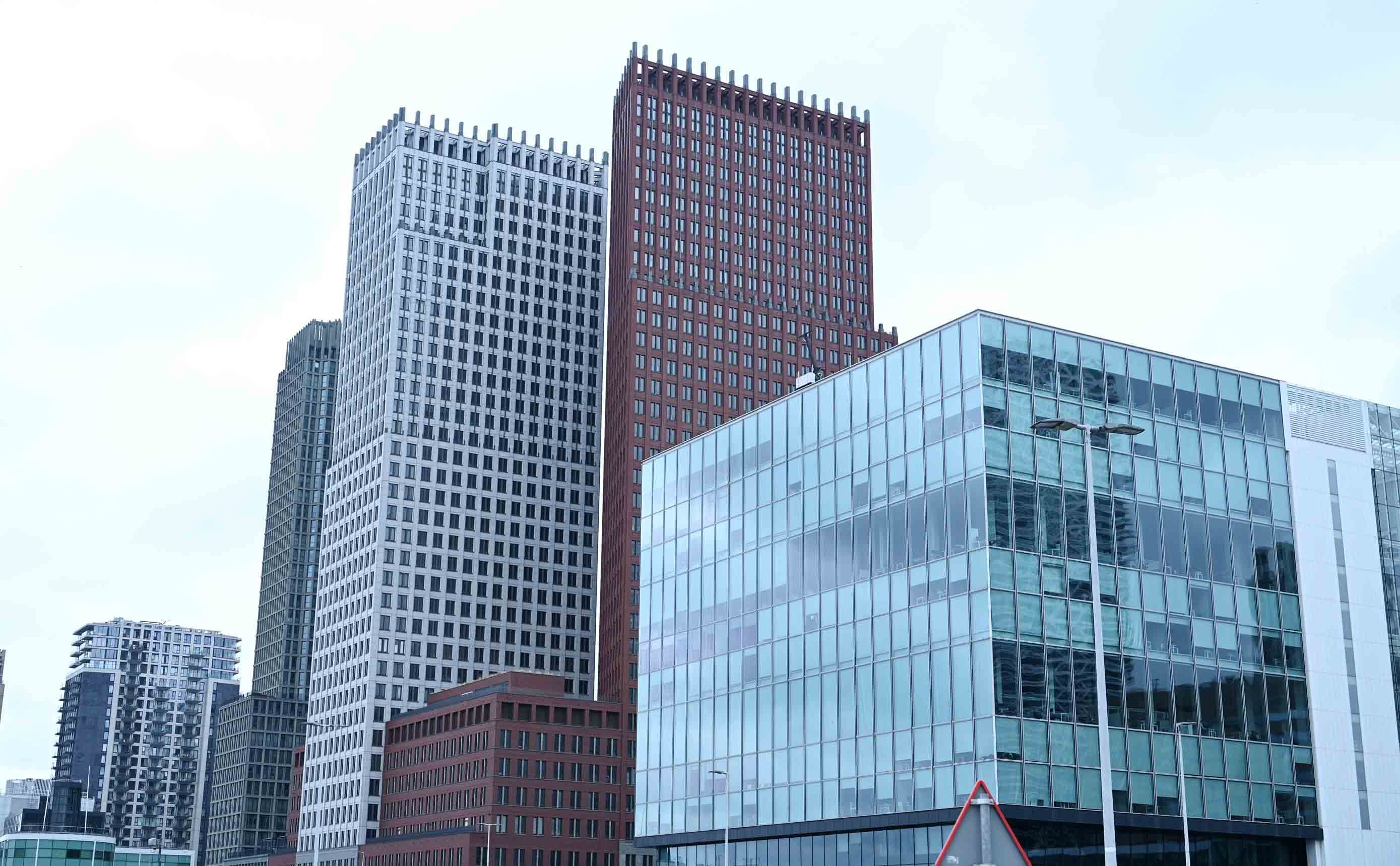
From Bouwbesluit to Bbl: where the building rules actually live now
You still say Bouwbesluit on site, but that rulebook was retired in 2024. Here is where the technical building rules moved, and how to find the one you need.